
Connections
AI Assistant MCP — connect VesperForge to your favorite AI
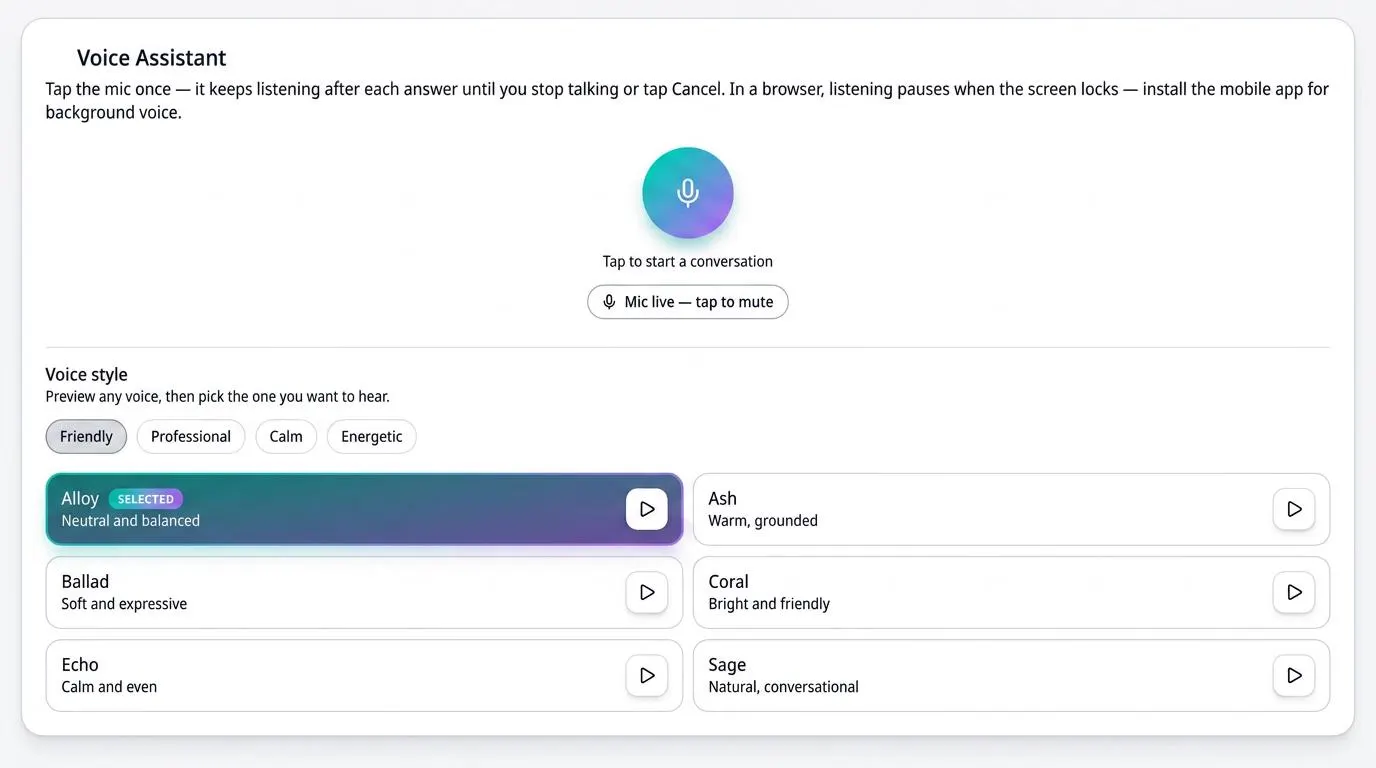
Connect VesperForge to Claude, Grok, Alexa, and other assistants through MCP. Use natural voice or chat commands to add subscriptions, review spending, cancel services, and manage your household — all from your favorite AI. talk to manage mcp connection.
How it works
- 1
Add your personal key
Generate a revocable MCP key in VesperForge and paste it into the assistant you want to connect.
- 2
Talk or chat naturally
"Add Netflix for $15.99 a month", "what renews this week?", or "cancel my gym subscription" — it fills in missing details by asking follow-ups.
- 3
Manage from anywhere
Your assistant reads live VesperForge data, so subscriptions, renewals, and spending answers are always current.
Benefits
- Connects to Claude, Grok, Alexa, and other MCP-ready assistants
- Natural voice and chat commands for subscriptions
- Slot-filling asks only for missing details
- Reads live VesperForge data for accurate answers
- Revoke the personal key anytime for full control
Frequently asked questions
Is MCP available on the Free plan?
Yes. You can generate one MCP key on Free and connect a single assistant; Pro Plus supports multiple keys and connections.
Can it change my subscriptions?
Yes — with your permission, it can add, update, cancel, and review subscriptions just like the in-app voice assistant.
How do I revoke access?
Delete or rotate the key in VesperForge at any time. The connected assistant immediately loses access.
Take control of your subscriptions today
Start free — no credit card required for sign up.
Get Started Free